Recent Posts

Pages: 1 2 [3] 4
21
Suggestions / Re: Ideas for Lift
« Last post by forsy on April 15, 2014, 10:11:51 PM »
My Ideas

1 To be able to colour parts

2 To have the option to have the elevator automatically centre

3 To change  wind and Thermal settings

4 A map editor  so you could share maps and create your own challenges

5 the water to actually work like water so you could build aircraft carriers and seaplanes

6 To be able to play the game offline so you could save models and challenges to a database

7 To change the start locations

Now I'm not trying to be inconsiderate towards the game of lift I know that the creators are working very hard and the game is incredible in every way thanks for making such a fantastic sandbox game!!!!!!!!!!!!!


The map editor and challenge editor are still just ideas on paper at this point, but new builds will always include new places to fly and hopefully new challenges.

#1, 3, 5, 6 and 7 will all be coming in the near future.

#2 is also an option that can be added, but I'm not sure it will work the way you think it will. Since keyboard buttons are not analog, there is no way to keep a steady elevator position. I'm working on adding controller and joystick support which may help, assuming you have access to those devices.

Still a long ways to go, but I'm glad you guys are enjoying the game so far and are enthusiastic about it :)
22
Design Challenges / Re: Design Challenge Suggestions
« Last post by FreakonFlight on April 15, 2014, 09:19:57 PM »
I love that poem!!!
23
Showcase / Re: Some old showcase screens
« Last post by FreakonFlight on April 15, 2014, 09:15:17 PM »
God I love that Showcase!!!!!!
24
Suggestions / Re: Ideas for Lift
« Last post by FreakonFlight on April 15, 2014, 09:13:31 PM »
My Ideas

1 To be able to colour parts

2 To have the option to have the elevator automatically centre

3 To change  wind and Thermal settings

4 A map editor  so you could share maps and create your own challenges

5 the water to actually work like water so you could build aircraft carriers and seaplanes

6 To be able to play the game offline so you could save models and challenges to a database

7 To change the start locations

Now I'm not trying to be inconsiderate towards the game of lift I know that the creators are working very hard and the game is incredible in every way thanks for making such a fantastic sandbox game!!!!!!!!!!!!!
25
Design Challenges / Re: Design Challenge Suggestions
« Last post by Cosmic Grenade on April 15, 2014, 03:55:51 PM »
Build a Space Ship from a sci-fi show or movie
26
Showcase / Re: Custard Biplane
« Last post by forsy on April 15, 2014, 02:47:26 PM »
Excellent.

Thanks for stopping by :)
27
Showcase / Custard Biplane
« Last post by Custard Games on April 15, 2014, 02:31:41 PM »
I originally posted this on TigForums, but I thought I would copy it here to help populate the forum a little.

Introducing.... The Custard Biplane! The Custard Biplane is a jack of all trades plane. It has great stability, speed, maneuverability and durability. It is especially good for beginners that just want to start up the game and fly without too much difficulty. It takes off on it's own and is extremely easy to fly. Best of all, it looks and moves realistically!


What are you waiting for? Get yours today!

Need a bit of extra maneuverability? Try the Custard Biplane (STE)! This is the Sharp Turning Edition which features more control to the pitch and roll. This comes at a trade off though, as it makes the plane more difficult to fly. Recommended for experienced pilots only.

Have a WHALE of a good time with the Custard Biplane today!

28
Bugs / Re: Angles
« Last post by forsy on April 15, 2014, 09:49:39 AM »
I keep running into a problem with the angles of wings i.e. if you put 15 in X and 23 in Z click off the wing and back on and Y has 2.20972907 in it's box.

Take GnomeSlice - Flight Trainer : The rudder is set at X 330 and Z 90. But click off and back onto the rudder and Y has 1.97170606 set in it, which makes it turn to the left.
Or
Go to editor just make a wing and put 100 into X and click off and on and it changes into X 80.00001 Y 180 Z 180

Why do some angles change slightly like put 50 in Y and 90 in Z and it stays like that but take out the Y and the Z changes to  90.00001.

Cosmic

Most of that is due to how Unity handles the rotations internally. I'm working on some changes that should hopefully resolve these issues and should be ready in the next build.

Thanks for the post!
29
Bugs / Angles
« Last post by Cosmic Grenade on April 15, 2014, 09:04:21 AM »
I keep running into a problem with the angles of wings i.e. if you put 15 in X and 23 in Z click off the wing and back on and Y has 2.20972907 in it's box.

Take GnomeSlice - Flight Trainer : The rudder is set at X 330 and Z 90. But click off and back onto the rudder and Y has 1.97170606 set in it, which makes it turn to the left.
Or
Go to editor just make a wing and put 100 into X and click off and on and it changes into X 80.00001 Y 180 Z 180

Why do some angles change slightly like put 50 in Y and 90 in Z and it stays like that but take out the Y and the Z changes to  90.00001.

Cosmic
30
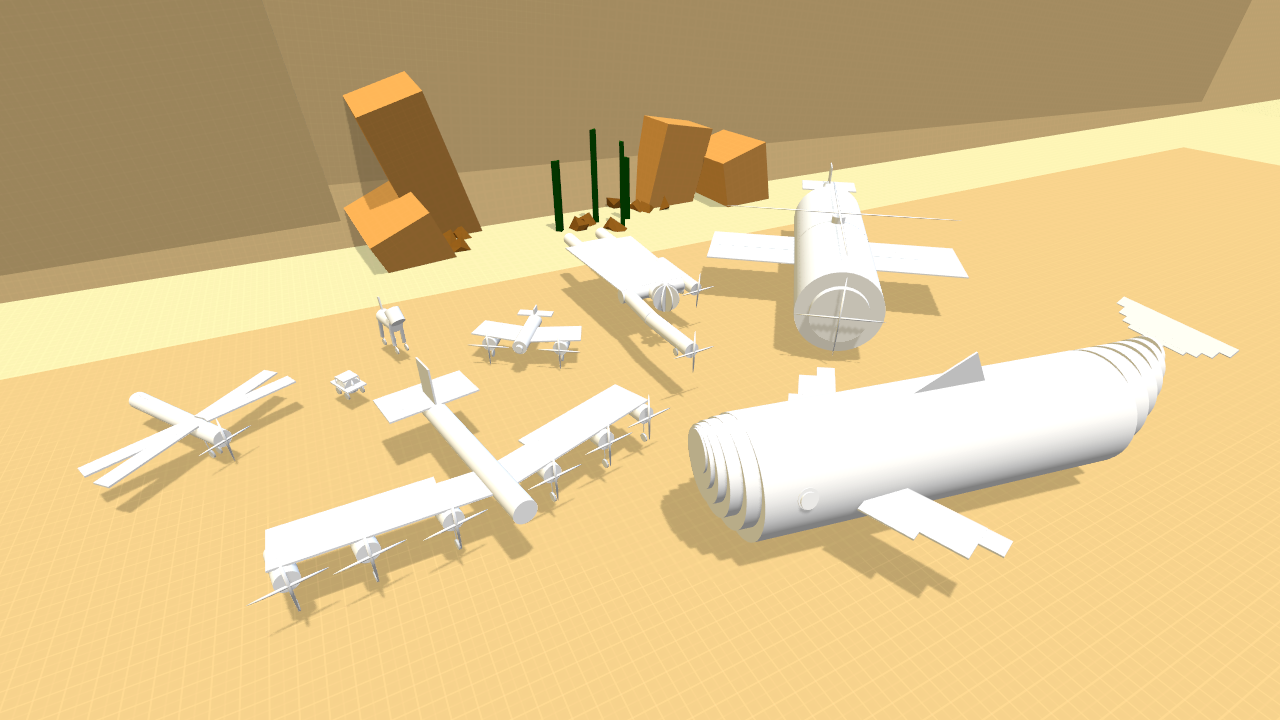
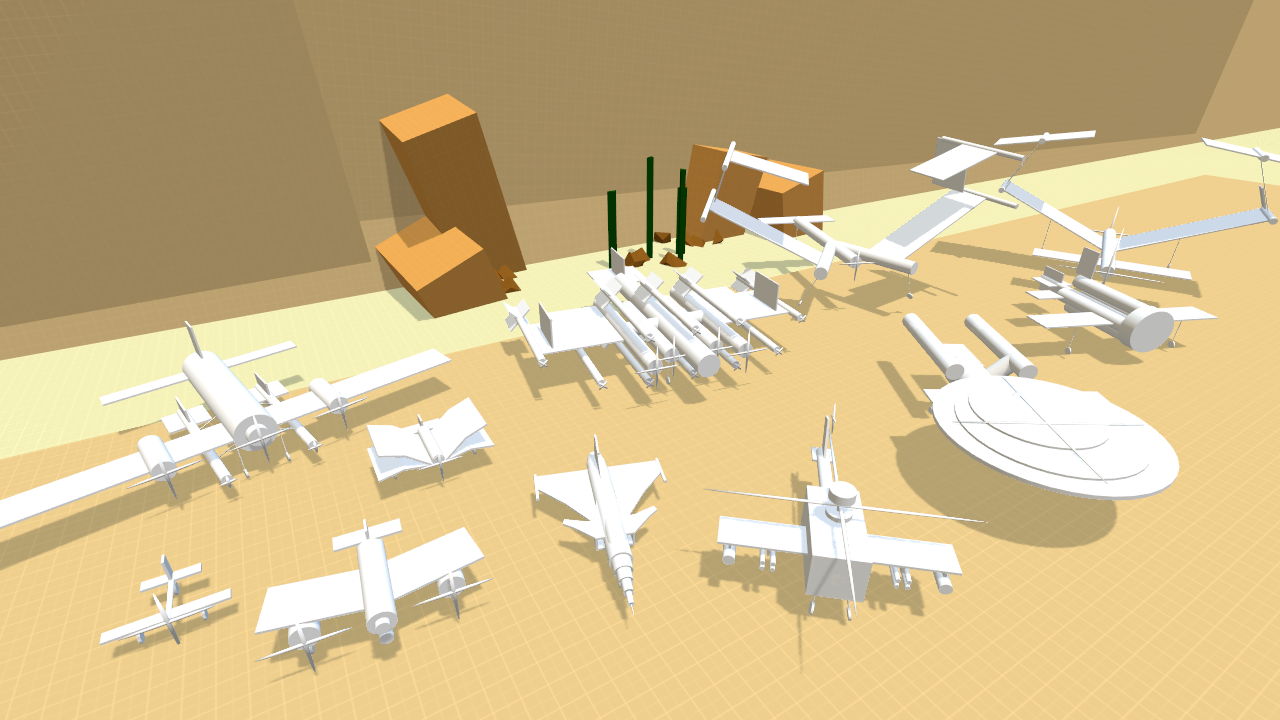
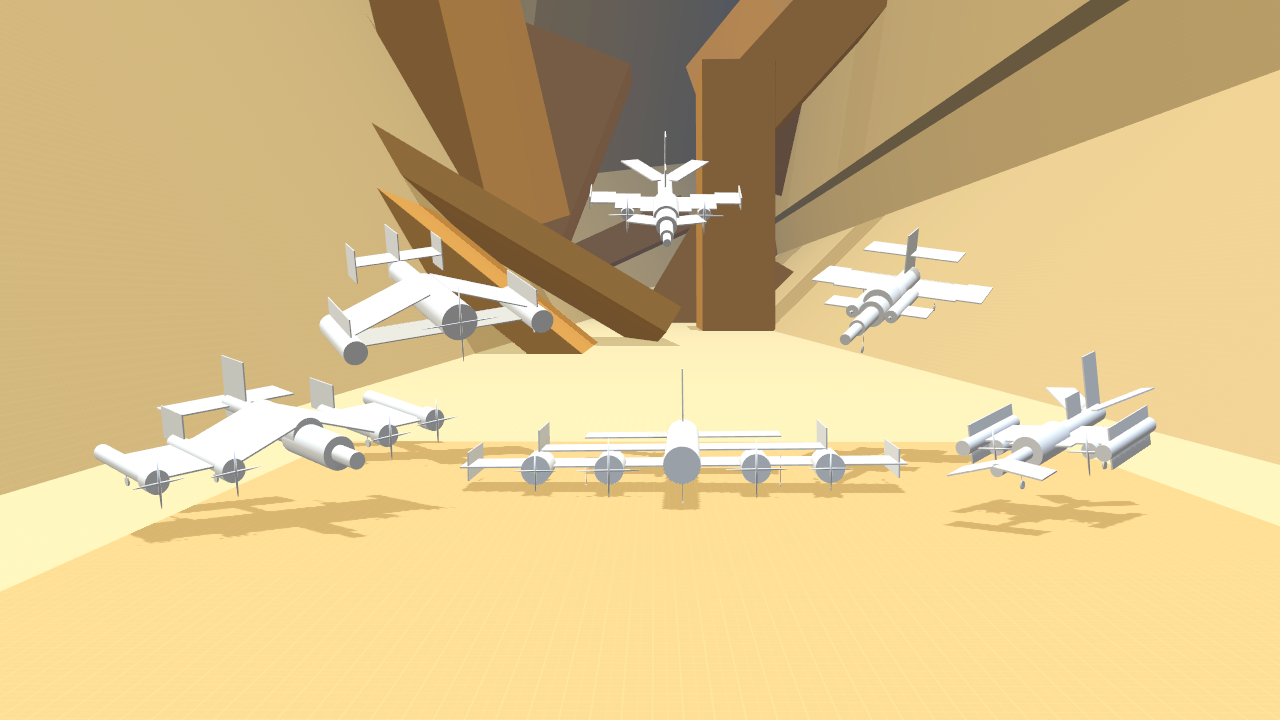
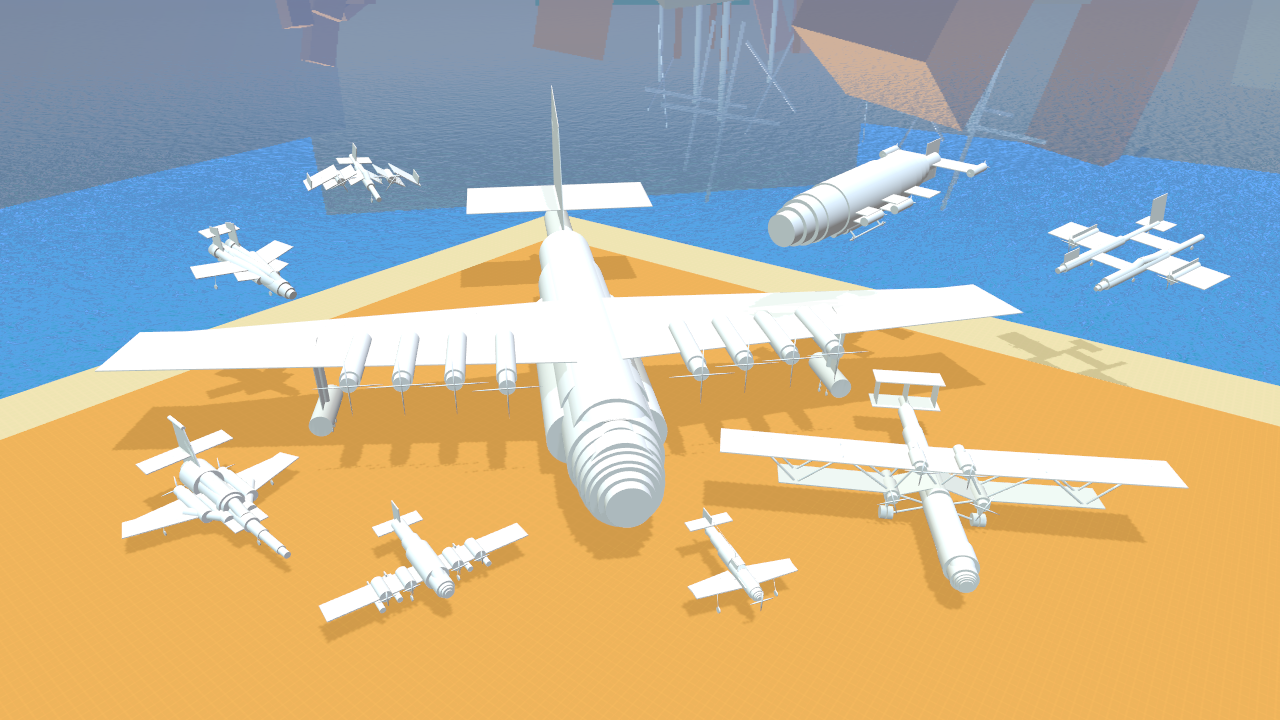
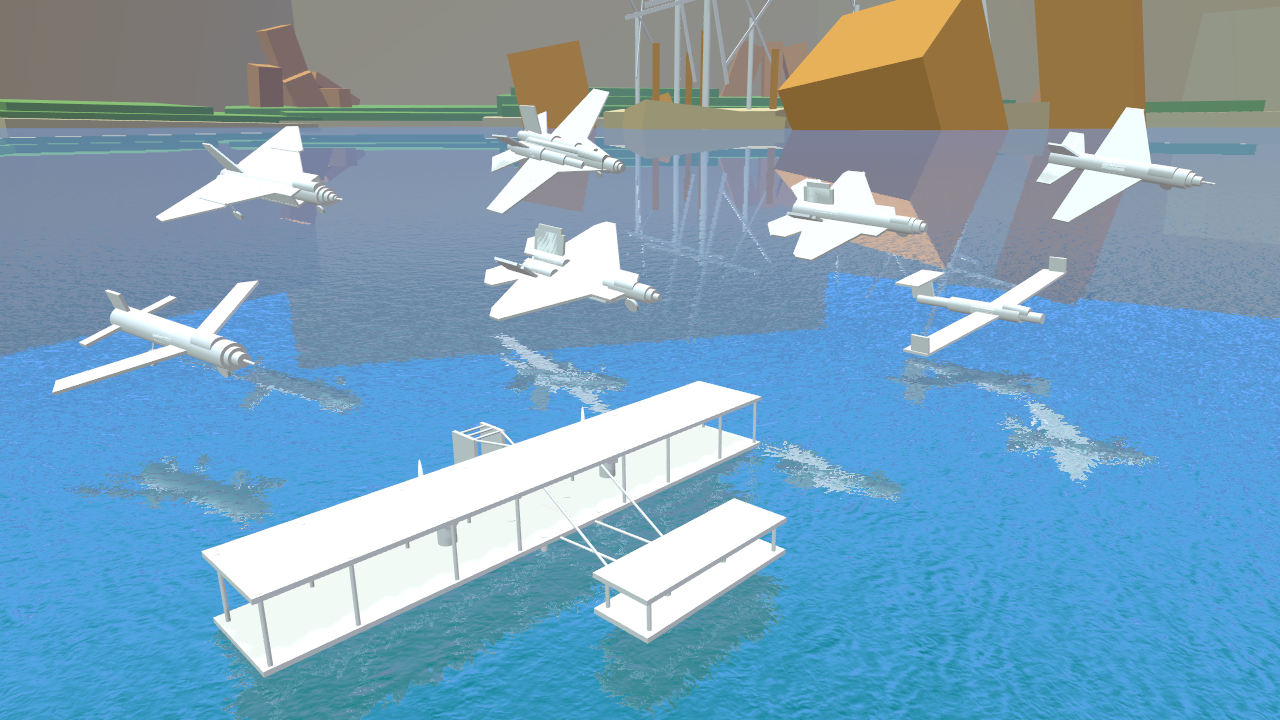
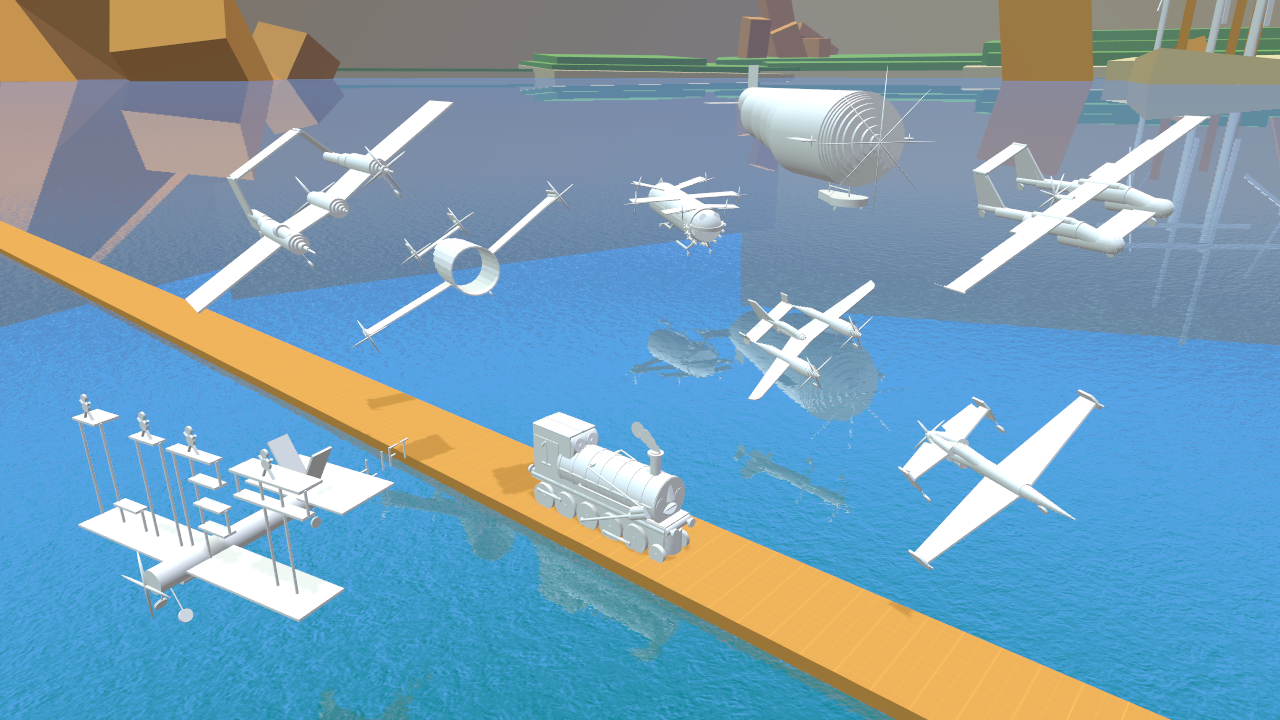
Showcase / Some old showcase screens
« Last post by forsy on April 14, 2014, 08:24:18 PM »


b5cully -


b5cully -


FreakonFlight -


Cosmic Grenade -
Pages: 1 2 [3] 4